Deploy SeaSearch in single node
This document provides step by step guild for deploying SeaSearch using Docker.
Getting started
The following assumptions and conventions are used in the rest of this document:
/opt/seasearchis the directory for storing SeaSearch docker compose files. If you decide to put SeaSearch in a different directory, adjust all paths accordingly./opt/seasearch-datais the directory for storing persisting data of SeaSearch.
Download the yml and env file
You can download the .yml and .env files by following commands:
mkdir /opt/seasearch
cd /opt/seasearch
wget https://seasearch-manual.seafile.com/1.0/repo/single-node/seasearch.yml
wget -O .env https://seasearch-manual.seafile.com/1.0/repo/single-node/env
Modify .env file
Modify the environment variables of the following fields in the .env file.
#SEASEARCH_IMAGE=seafileltd/seasearch-nomkl:1.0-latest # for Apple's chips
SEASEARCH_IMAGE=seafileltd/seasearch:1.0-latest

INIT_SS_ADMIN_USER=<admin-username>
INIT_SS_ADMIN_PASSWORD=<admin-password>
For Apple's Chips
Since Apple's chips (such as M2) do not support MKL, you need to set the relevant image to seafileltd/seasearch-nomkl:latest if you use an Apple's chip:
SEASEARCH_IMAGE=seafileltd/seasearch-nomkl:latest
Start the service
Start the service use the following command:
docker-compose up -d
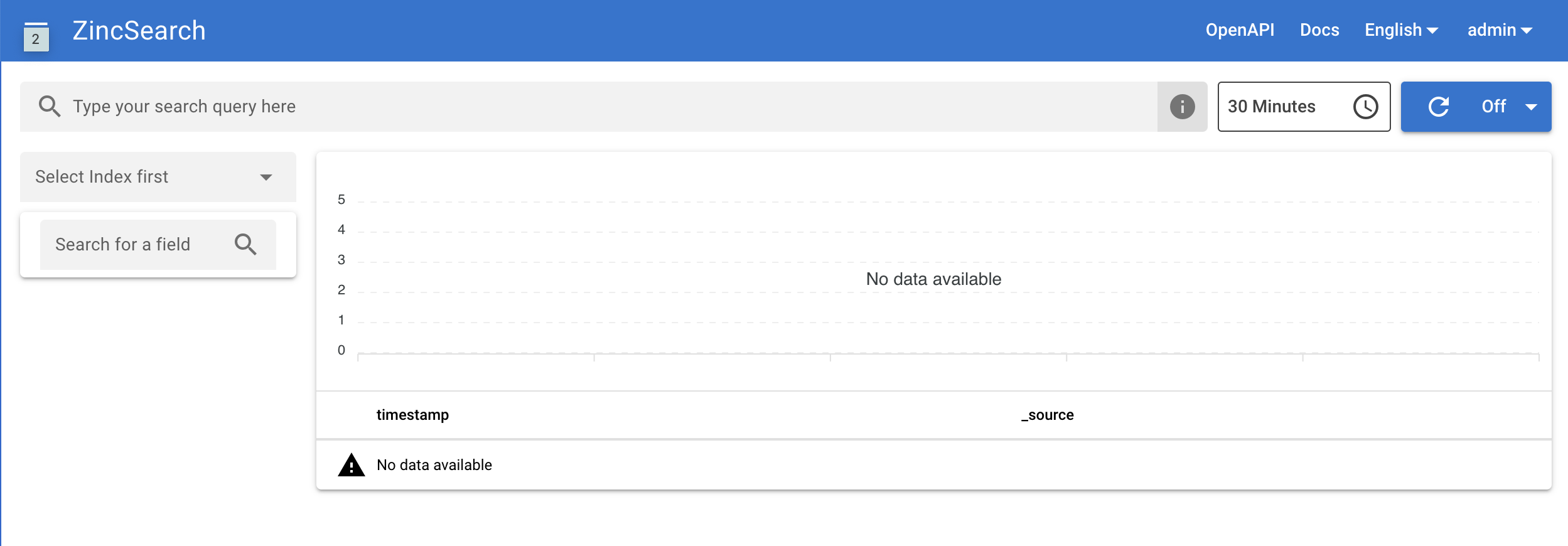
Now, you can access SeaSearch at http://<your IP>:4080/ and login by the INIT_SS_ADMIN_USER and INIT_SS_ADMIN_PASSWORD defined in the .env file. You will see the SeaSearch plane like below:
You can remove the initial admin account informations in .env (e.g., INIT_SS_ADMIN_USER, INIT_SS_ADMIN_PASSWORD), which are only used in the SeaSearch initialization progress. (Make sure you have recorded it somewhere else in case you forget the password.)